
Software
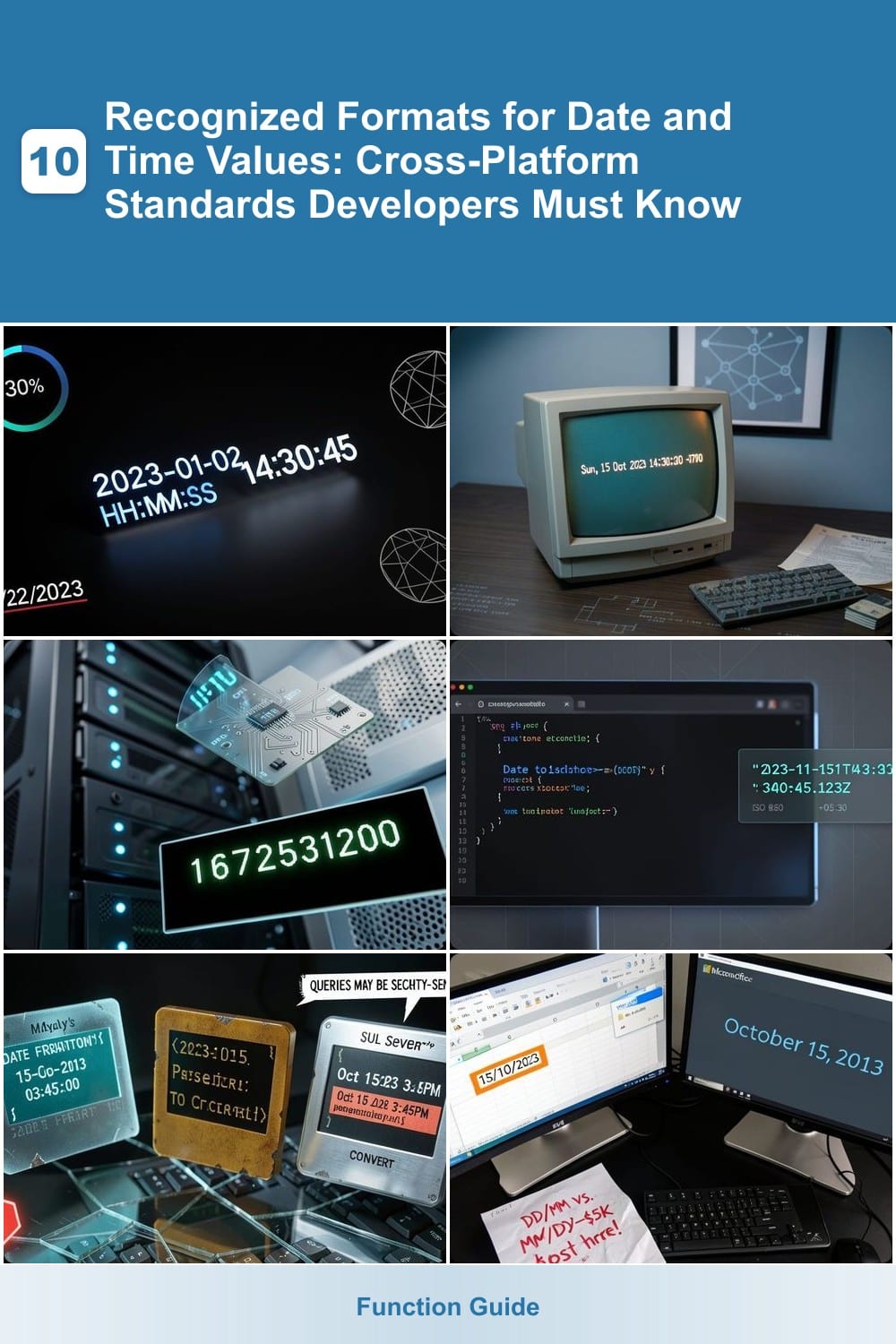
Dates and times are critical in software development, but inconsistent formatting can cause bugs and compatibility issues. These seven cross-platform standards ensure your applications handle date and time values correctly across systems, programming languages, and APIs.
ISO 8601 Standard Format for Dates
When your API needs to speak the same language worldwide, ISO 8601 is the only format that guarantees clarity. This standard’s YYYY-MM-DD structure eliminates ambiguity—no more guessing whether "01/02/2023" means January 2nd or February 1st.
The format extends to timestamps with HH:MM:SS precision and timezone offsets (+00:00), making it ideal for JSON payloads, REST APIs, and cloud databases. Libraries like Python’s datetime or JavaScript’s toISOString() natively support it, reducing parsing errors. Even SQL databases (PostgreSQL, MySQL) prefer ISO 8601 for cross-platform queries.
This is the default choice for developers building global applications—whether you’re logging events, syncing calendars, or processing payments. ⚡
RFC 2822 Email Date Format
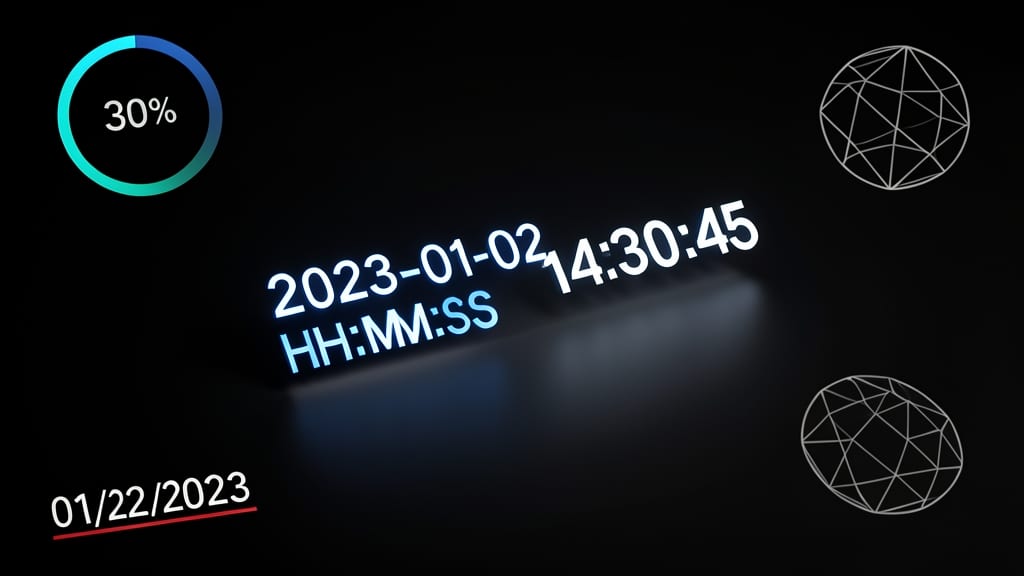
If you’re building email systems or APIs that need to play nice with legacy protocols, RFC 2822 is your go-to standard. Unlike ISO 8601, this format prioritizes readability in SMTP headers and email clients like Outlook and Gmail, using a structure like Sun, 15 Oct 2023 14:30:00 -0700.
The format includes a day of the week, day/month/year, time in HH:MM:SS, and a timezone offset (e.g., -0700 for PDT). It’s designed for parsing by older systems and remains critical for email parsing libraries like Python’s email.utils or Java’s javax.mail.
Developers working on email APIs, archiving systems, or legacy integrations will find RFC 2822 indispensable for ensuring backward compatibility. ✨
Unix Timestamp (Epoch Time)

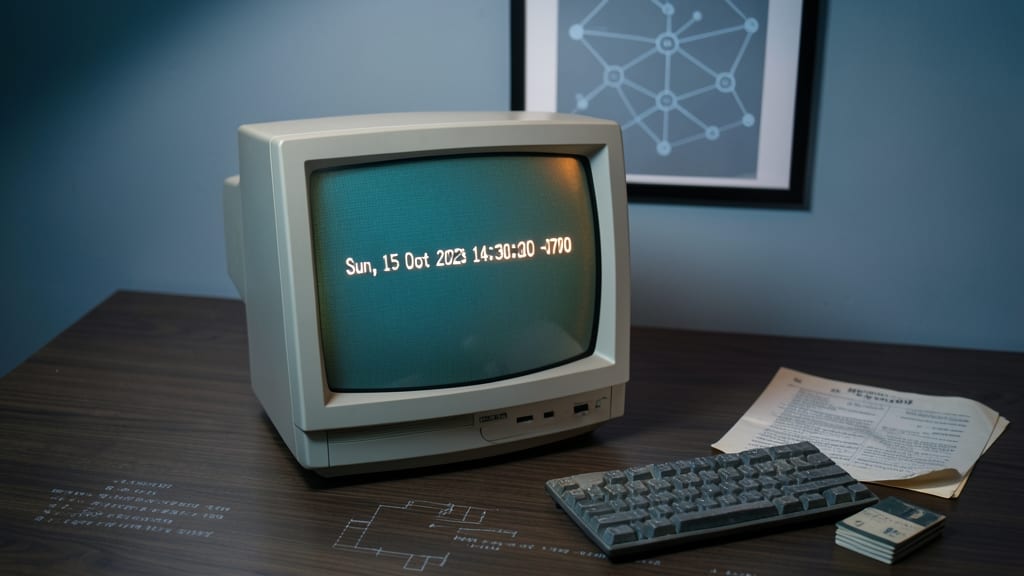
When your backend needs precise, lightweight timestamps—especially for logs, analytics, or database operations—Unix timestamps (Epoch Time) are the go-to choice. Representing time as seconds since January 1, 1970, this format eliminates ambiguity, reduces storage space, and integrates seamlessly with Linux, Python, and JavaScript.
In Python, time.time() returns a Unix timestamp, while datetime.fromtimestamp() converts it back to a readable format. JavaScript’s Date.now() and Math.floor(Date.now() / 1000) handle the same conversion, making it ideal for cross-language scripts. Databases like PostgreSQL and MySQL natively support this format, simplifying queries for time-based metrics.
Perfect for developers optimizing performance or working with time-sensitive systems, Unix timestamps ensure consistency without timezone complexity. ⚡
JavaScript Date.toISOString() Format
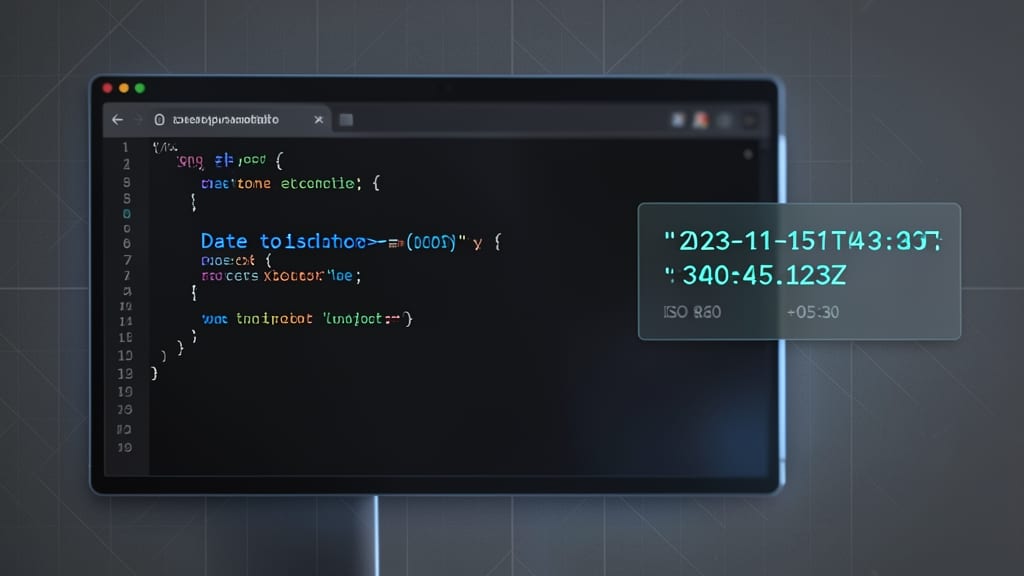
If you're building web apps where consistency matters, JavaScript's Date.toISOString() is your built-in solution. Unlike Unix timestamps or RFC 2822, this method automatically converts dates to ISO 8601 format with timezone offset, ensuring compatibility across browsers and servers without extra libraries.
The output always follows the pattern "YYYY-MM-DDTHH:mm:ss.sssZ", where "Z" denotes UTC (e.g., 2023-10-15T14:30:00.000Z). It’s zero-config—no manual timezone adjustments needed—and works identically in both JavaScript and TypeScript. Perfect for APIs, logs, or any scenario where standardized timestamps are critical.
Frontend developers and full-stack engineers will love this for its simplicity and reliability, especially when syncing client-side dates with backend systems. 💻
SQL Date and Time Functions

Never assume SQL functions work the same across databases—MySQL’s DATEFORMAT() and PostgreSQL’s TOCHAR() can produce wildly different results for the same query, while SQL Server’s CONVERT() adds its own quirks. These variations aren’t just syntax differences; they directly impact security, especially when parsing user input.
MySQL uses %Y-%m-%d for ISO-compliant dates but requires STRTODATE() for custom parsing, while PostgreSQL’s TO_TIMESTAMP() handles timezones natively. SQL Server’s FORMAT() function (introduced in 2012) offers rich formatting but performs poorly in loops. Worse, mixing these functions without proper escaping leaves you vulnerable to SQL injection—a single misplaced quote can break your entire query.
Database administrators and backend developers must test queries across all three systems. For cross-platform projects, stick to ISO 8601 in your application layer and use database-specific functions only for internal processing. 💡
Excel and Office Date Formats
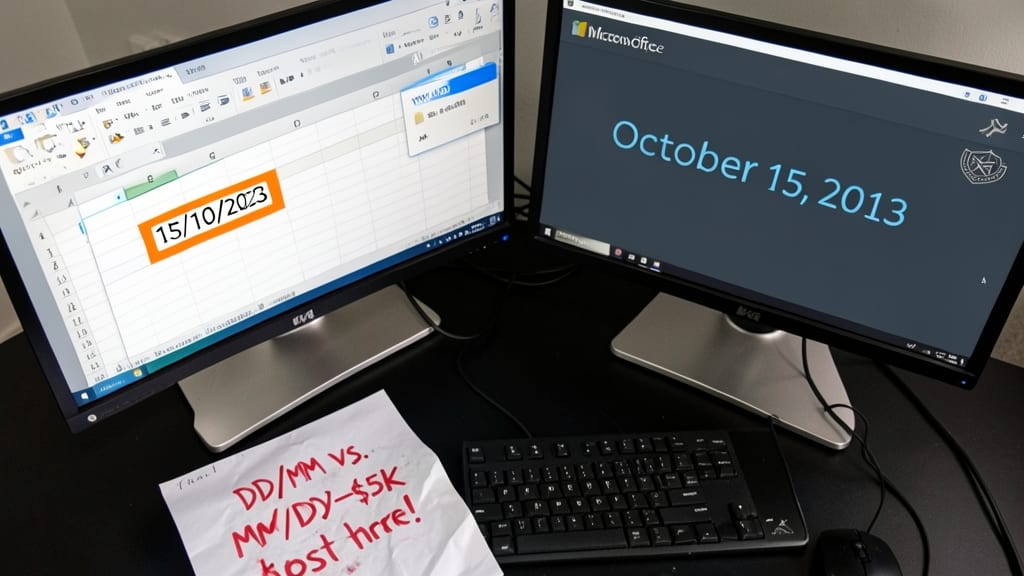
Ever imported an Excel file only to find dates like "15/10/2023" magically turning into "October 15, 2013" in your database? That’s the infamous DD/MM/YYYY vs. MM/DD/YYYY battle—one that costs businesses thousands in data errors annually.
Microsoft Office defaults to regional settings, where YYYY-MM-DD (ISO-friendly) clashes with DD/MM/YYYY (UK/AU) or MM/DD/YYYY (US). A simple CSV export can corrupt your entire dataset if unchecked. Use TEXT functions in Excel to force consistent formats, or validate imports with Python’s pandas or JavaScript’s moment.js before processing.
This format is non-negotiable for accountants, project managers, and anyone bridging spreadsheets with APIs. Always specify formats explicitly—your future self (and clients) will thank you. ✨
ICU Date Format Patterns
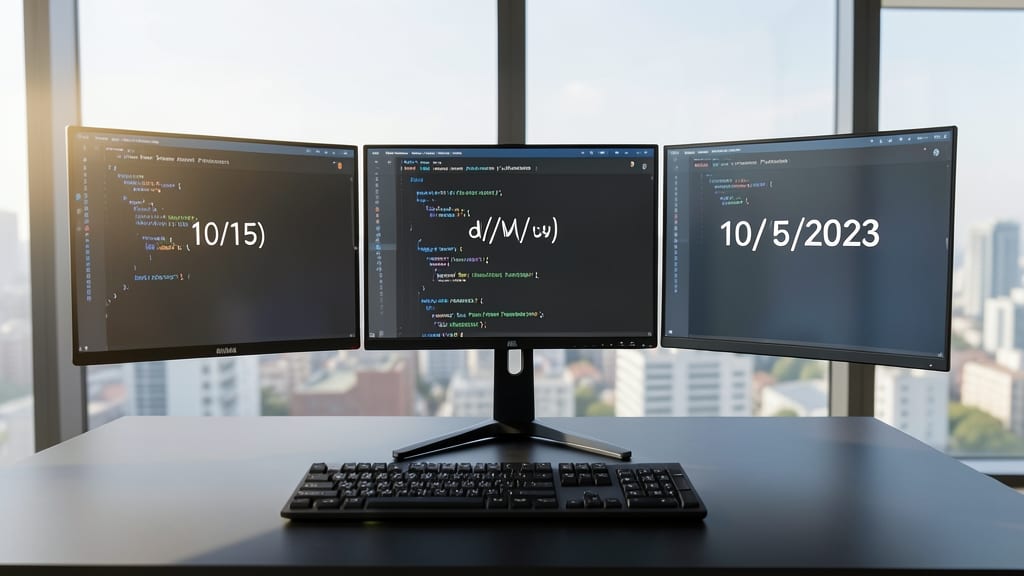
Building apps for global users? The ICU (International Components for Unicode) Date Format Patterns solve the localization puzzle with 100+ locale support via Unicode CLDR.
This isn’t just another date format—it’s a framework embedded in Android, iOS, and React Intl. Need to display dates as "15/10/2023" in Australia or "10/15/2023" in the U.S.? ICU handles it with zero config. Developers use it to avoid hardcoding formats, ensuring apps adapt dynamically to user settings.
Perfect for cross-platform mobile apps or web projects targeting diverse markets. Your users will see dates in their preferred format without extra backend logic. ✨