
Software
Small businesses need powerful tools but often face budget constraints. These 10 free Excel templates solve common productivity challenges—from invoicing to project tracking—without requiring advanced Excel skills or costly software subscriptions.
Professional Invoice Template for Service Businesses
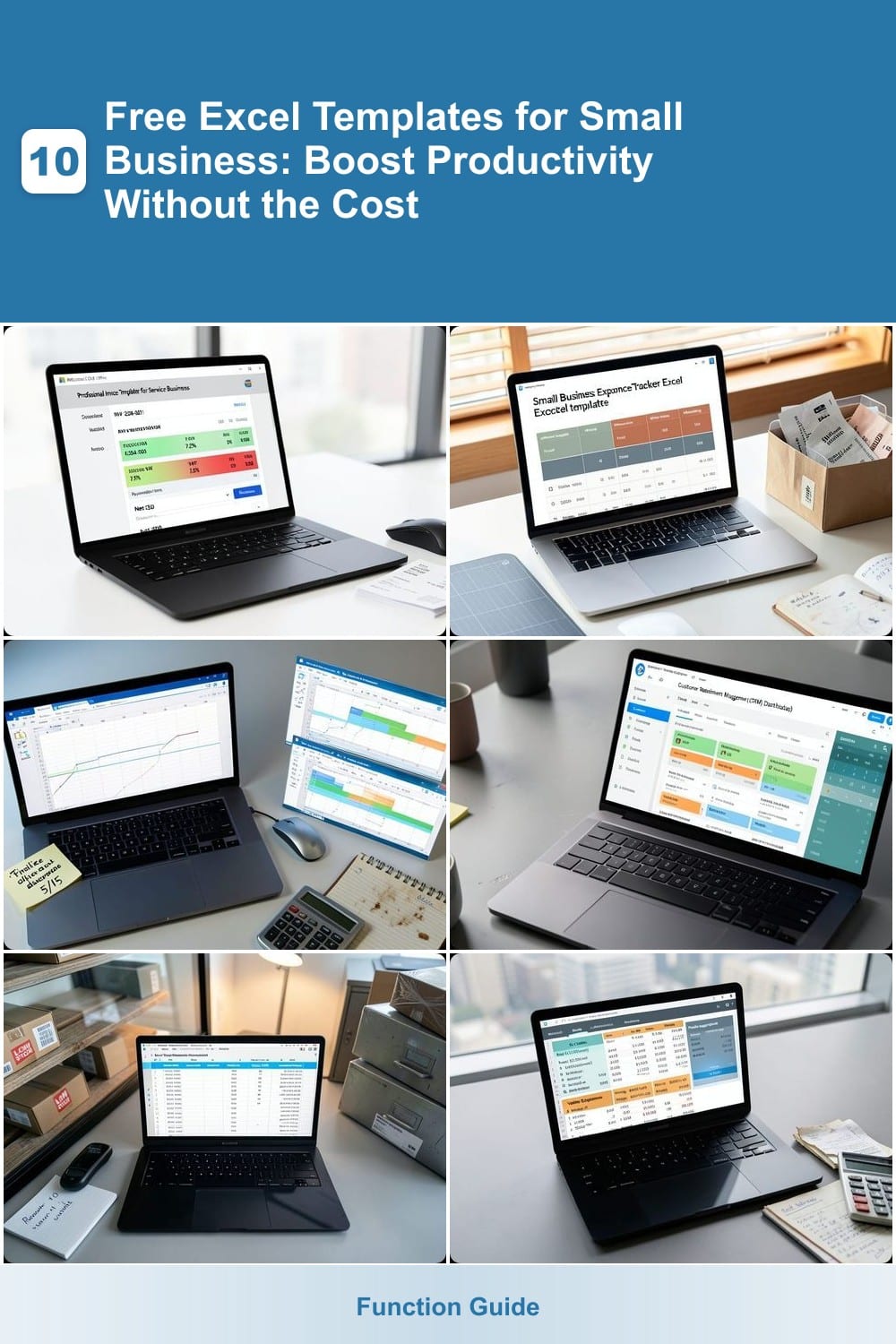
Tired of spending hours manually creating invoices every month? This Professional Invoice Template for Service Businesses from Microsoft Office templates streamlines your billing process with automated numbering, tax calculations, and customizable payment terms—all in one click.
The template includes pre-built formulas for subtotals, taxes, and totals, so you never miscalculate again. You can easily add your business logo, service descriptions, and payment terms (like "Net 30") to maintain a polished, branded look. Plus, it’s fully compatible with Excel 2016 and later, ensuring smooth updates as you grow.
Perfect for freelancers, consultants, and small agencies, this template cuts down on administrative work while keeping your finances organized. Download it for free from Microsoft’s official template library and reclaim your time. ✨
Small Business Expense Tracker with Categories
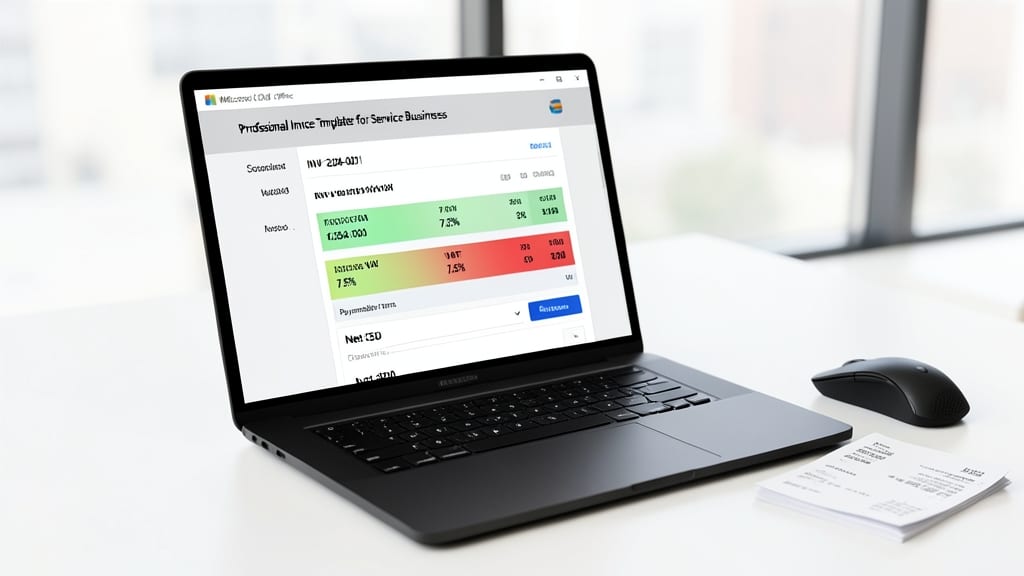
Tax season doesn’t have to be a headache when you can automate expense categorization with a single template. This Small Business Expense Tracker sorts transactions into predefined categories like office supplies, travel, and marketing, so you spend less time reconciling receipts and more time growing your business.
The template includes monthly summary reports with visual charts, making it easy to spot spending trends at a glance. Built-in tax deduction reminders highlight potential write-offs, while customizable fields let you add notes for each expense. Compatible with Excel 2016 and later, it syncs seamlessly with your existing workflows—no steep learning curve required.
Perfect for sole proprietors, freelancers, and startups juggling multiple hats, this tracker turns chaos into clarity. Download it today and reclaim hours of administrative time. ✨
Project Management Timeline Gantt Chart
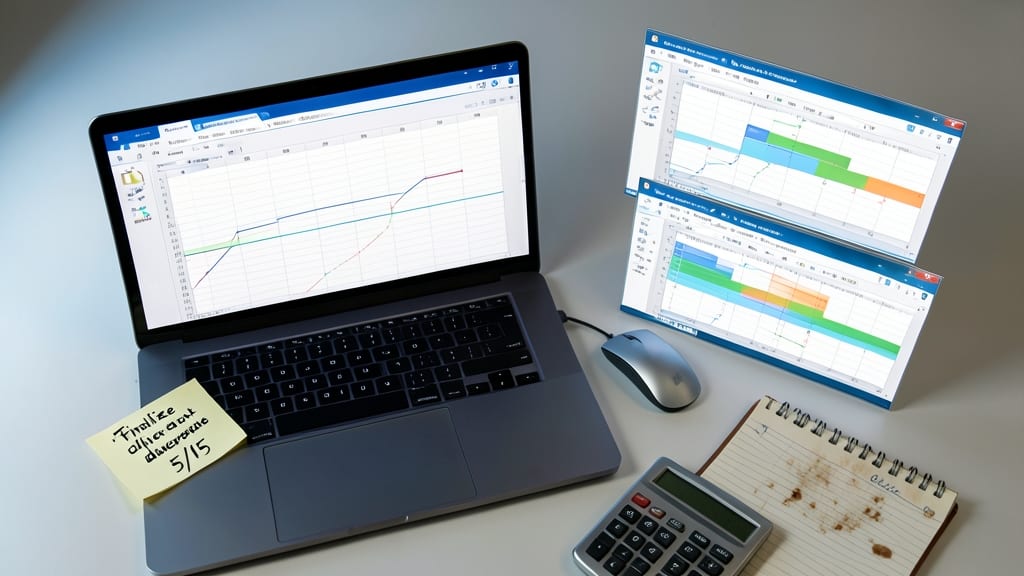
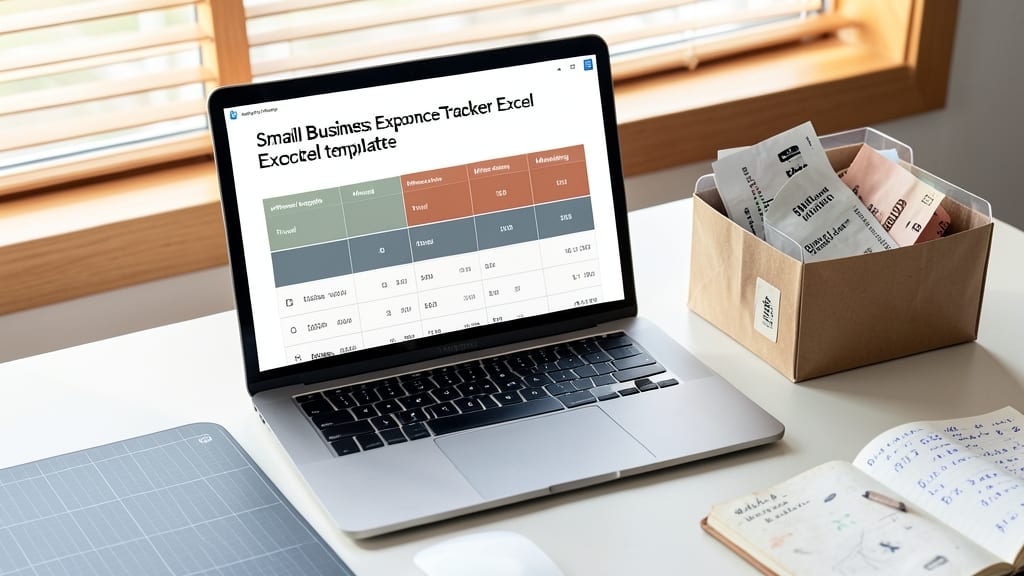
Struggling to keep track of project timelines without complex (and expensive) tools? A free Excel Gantt Chart template transforms your spreadsheet into a visual roadmap—no coding required. Simply input your tasks, set start/end dates, and watch dependencies auto-link to highlight bottlenecks before they become crises.
Most templates include color-coded progress bars, milestone markers, and critical path indicators to show what’s on track (or not). You’ll also find built-in baseline vs. actual comparisons to spot delays early. For teams, these templates often include resource allocation views to balance workloads across members—all without upgrading to pricey PM software.
Perfect for freelancers juggling multiple clients or small teams launching products, these templates cut planning time by 70% while keeping everyone aligned. Try one from Microsoft’s official templates or community-driven sites like Vertex42 for pre-built layouts. ✨
Customer Relationship Management Dashboard
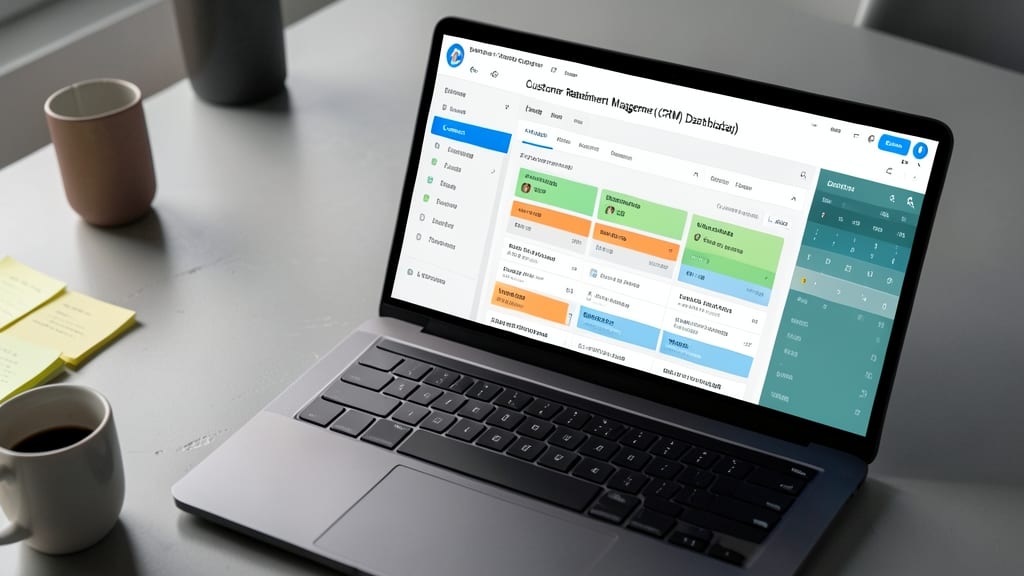
Tired of juggling sticky notes and scattered emails to track client interactions? This Customer Relationship Management (CRM) Dashboard template replaces expensive CRM tools by centralizing leads, follow-ups, and client details in one Excel-based system.
With dedicated tabs for contact info, sales pipeline stages, and follow-up reminders, you’ll never miss a critical touchpoint again. The template includes color-coded status indicators (e.g., "New Lead," "In Progress," "Closed Won") and automated date tracking to prioritize high-value opportunities. Simply input client data once, and the dashboard handles the rest—no coding or technical setup required.
Perfect for freelancers, real estate agents, or service providers who need a lightweight CRM but can’t justify the cost of software like HubSpot or Salesforce. Just download, customize with your branding, and start building stronger client relationships—without the subscription fees. ✨
Inventory Management Spreadsheet for Retail
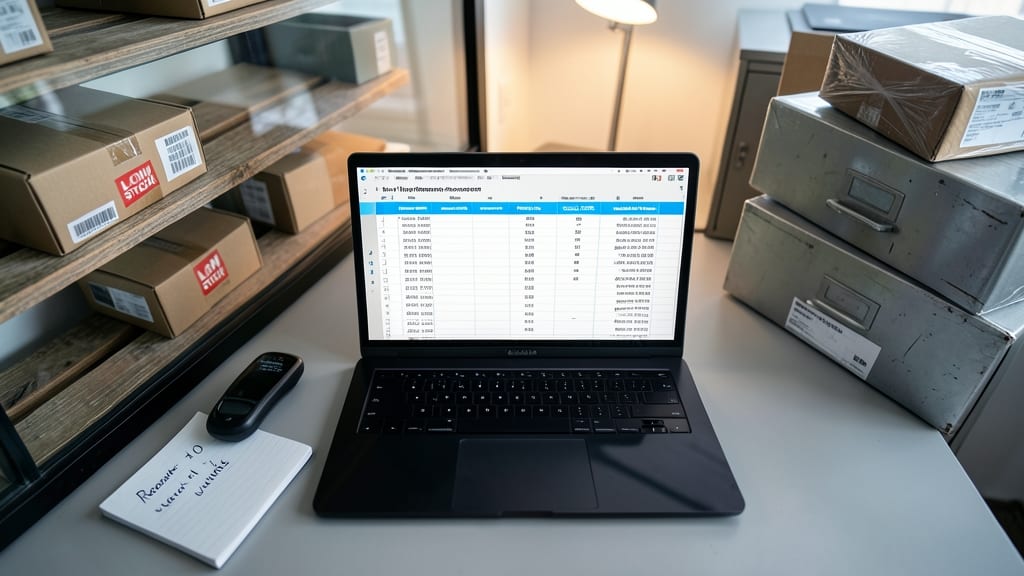
Tired of losing sales to empty shelves or drowning in unsold inventory? A free inventory management spreadsheet keeps your retail stock in perfect balance—no expensive software required. This template tracks real-time stock levels, flags items hitting reorder thresholds, and even analyzes sales trends to predict demand.
Built with color-coded alerts for low stock, customizable product categories, and automated calculations for lead time, it’s designed for small retailers and e-commerce sellers managing up to 500 SKUs. Simply input your supplier details, and the template generates purchase orders when quantities dip below your set minimum—saving you hours of manual checks each week.
Perfect for boutique owners, online store managers, or pop-up vendors who need to maintain tight inventory control without the overhead of dedicated inventory systems. No coding skills needed—just download, customize, and start optimizing your stock levels today. 💪
Break-Even Analysis Financial Calculator
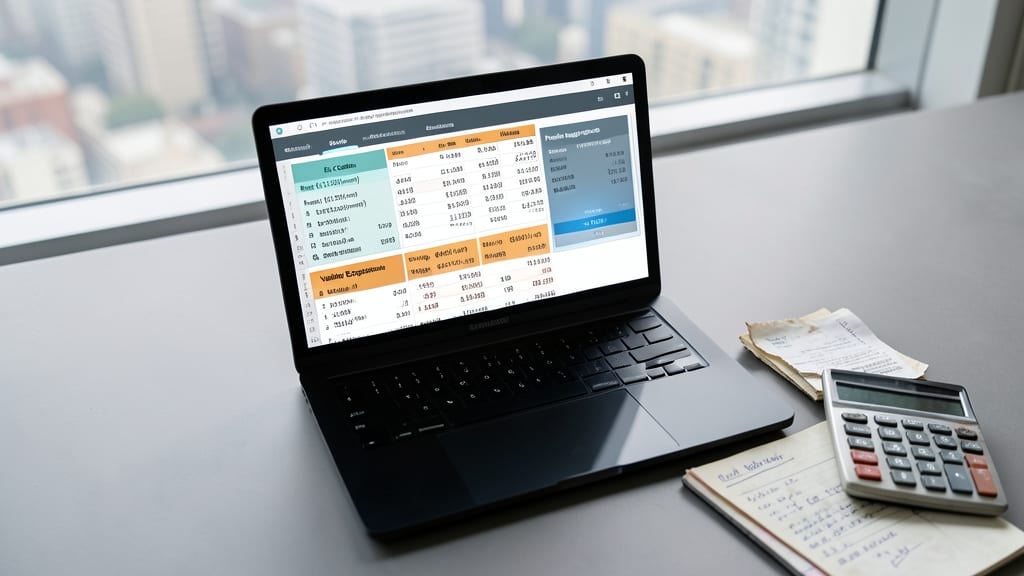
Struggling to price your new product or service without guessing? A break-even analysis calculator lets you crunch numbers with precision—no accounting degree required. This template helps you input fixed costs (rent, salaries), variable expenses (materials, shipping), and profit margins to pinpoint exactly how many units you need to sell to turn a profit.
The best free versions include visual break-even charts, sensitivity analysis tools, and pre-built formulas for unit economics. Simply adjust your pricing or cost assumptions to see real-time impacts on profitability. For example, if your fixed monthly costs are $5,000 and each unit costs $10 to produce (with a $25 selling price), the calculator will show you need 334 units to break even—plus how much profit you’ll make at 500 units. ⚡
Perfect for e-commerce sellers, service-based startups, or product-based entrepreneurs testing new offerings. Download one from Microsoft’s official templates or Vertex42 to avoid costly mispricing experiments. 💡
Employee Time Tracking and Payroll Sheet
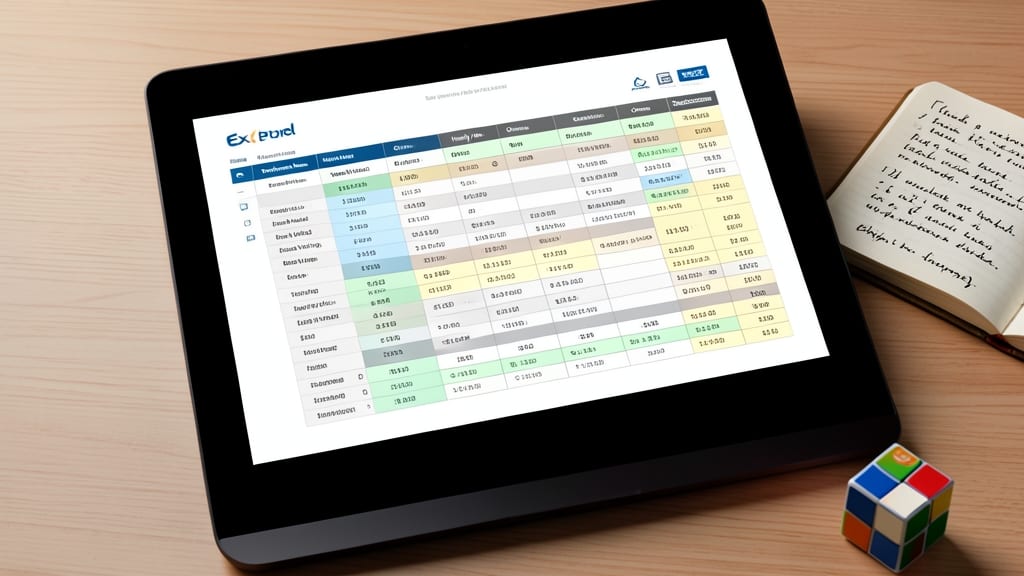
Running payroll for a small team shouldn’t feel like solving a Rubik’s Cube—especially when you’re juggling hourly wages, overtime, and deductions. This Employee Time Tracking and Payroll Sheet template turns chaotic spreadsheets into a streamlined process, handling everything from punch-in/punch-out logs to automated tax withholdings.
The template includes pre-built formulas for calculating regular hours, overtime (1.5x rate), and deductions (taxes, benefits, or voluntary contributions). You can input employee names, hourly rates, and time-off balances, then generate customizable payroll summaries with just a few clicks. No more guessing at year-end—it even tracks accrued paid time off (PTO) and sick leave.
Perfect for small businesses with 5-20 employees, this template replaces costly payroll software while keeping compliance simple. Whether you’re a retail manager, restaurant owner, or service provider, it’s the zero-friction solution for accurate, stress-free payroll. 💪
Social Media Content Calendar Planner
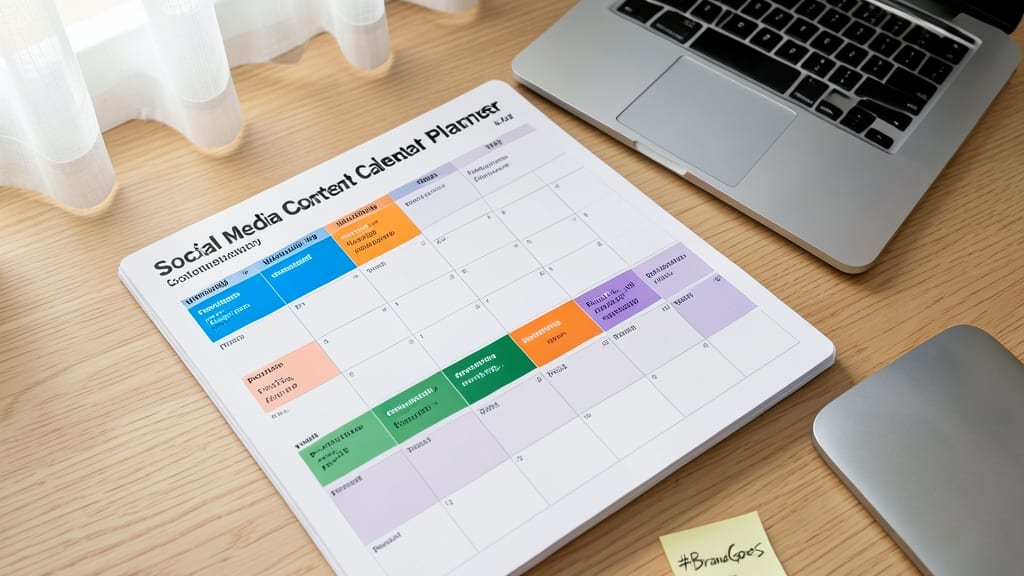
Juggling multiple social media accounts without a strategy? This Social Media Content Calendar Planner keeps your posting consistent, organized, and aligned with your brand goals—no fancy software required.
The template includes customizable weekly/monthly views, color-coded content types (posts, stories, reels), and dedicated columns for platform-specific metrics like best posting times and engagement rates. Built-in reminders ensure deadlines never slip, while a content theme planner helps you maintain a cohesive brand voice across Instagram, LinkedIn, and Twitter.
Ideal for marketing teams or solo entrepreneurs, this planner turns chaos into a streamlined workflow—so you can focus on creating great content instead of scrambling to post it. ✨
Budget Planner with Monthly vs. Actual Tracking
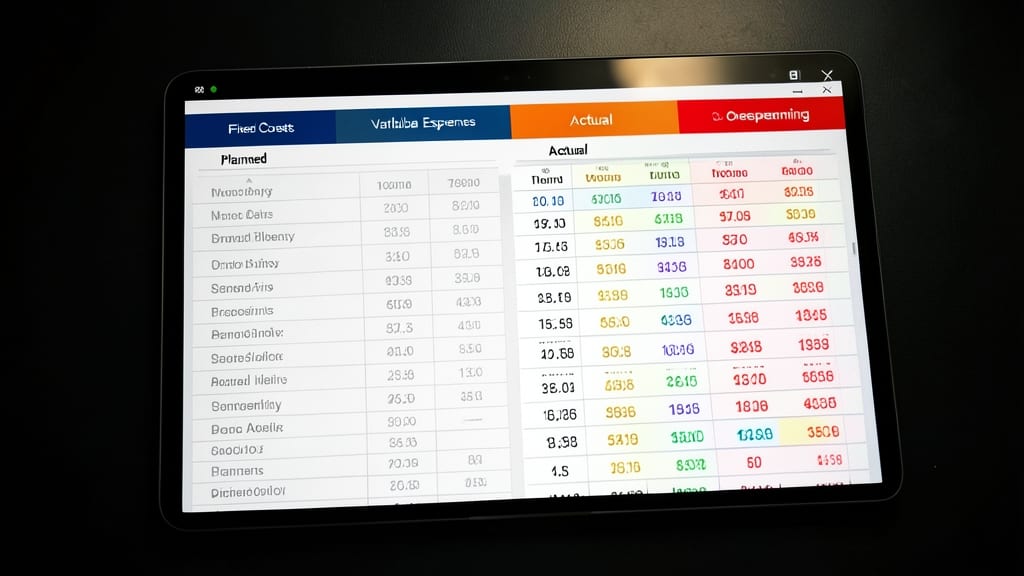
Tight budgets shouldn’t mean blind spots in your spending—this Budget Planner with Monthly vs. Actual Tracking template lets you compare planned expenses to real-world spending in real time. The side-by-side layout highlights overspending before it becomes a problem, while color-coded categories (like utilities, marketing, or payroll) make trends instantly visible.
With built-in monthly summaries and year-to-date comparisons, you’ll spot cost leaks faster than ever. The template even includes a simple variance analysis formula to calculate how much you’re over or under budget—no accounting degree required. Best of all, it’s designed for Excel 2016 and later, so you won’t hit compatibility snags.
Perfect for freelancers, solopreneurs, or small teams juggling multiple income streams, this tool turns financial guesswork into actionable insights. 💡
Client Onboarding Checklist and Contract Tracker
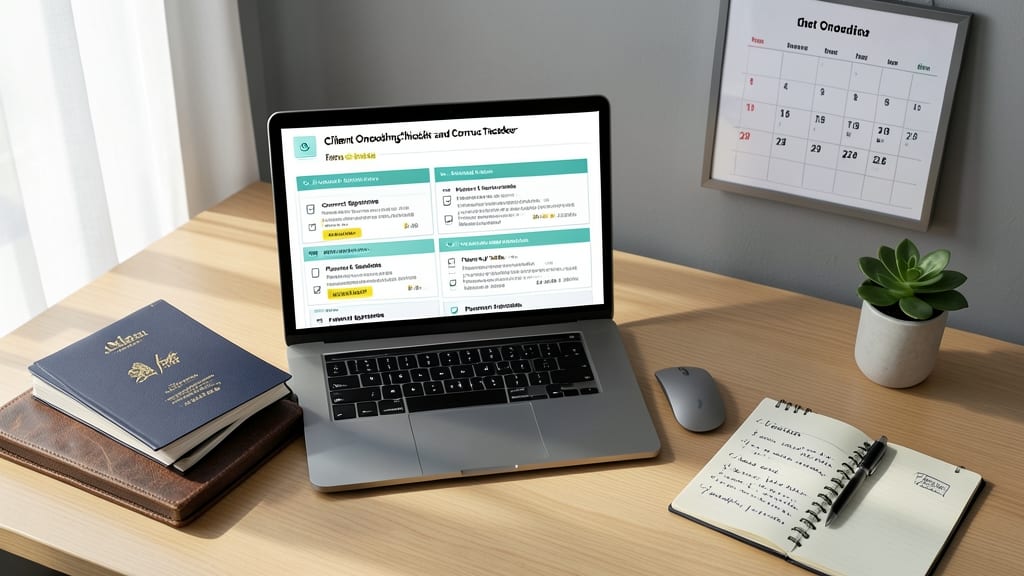
Say goodbye to missed deadlines and lost contracts with a Client Onboarding Checklist and Contract Tracker that keeps every step organized. This template ensures no detail slips through the cracks—from contract signatures to payment schedules—so you can focus on delivering great service instead of chasing paperwork.
The tracker includes customizable checklists for onboarding tasks, a centralized contract repository with key terms and deadlines, and a payment schedule calendar to avoid late fees. Conditional formatting highlights overdue items, while drop-down menus standardize responses for consistency. Best of all, it’s designed to sync with your existing workflows, whether you’re a freelancer or a small agency.
Perfect for consultants, agencies, and subscription-based businesses, this template turns chaotic onboarding into a smooth, repeatable process. 💪