
Operating System
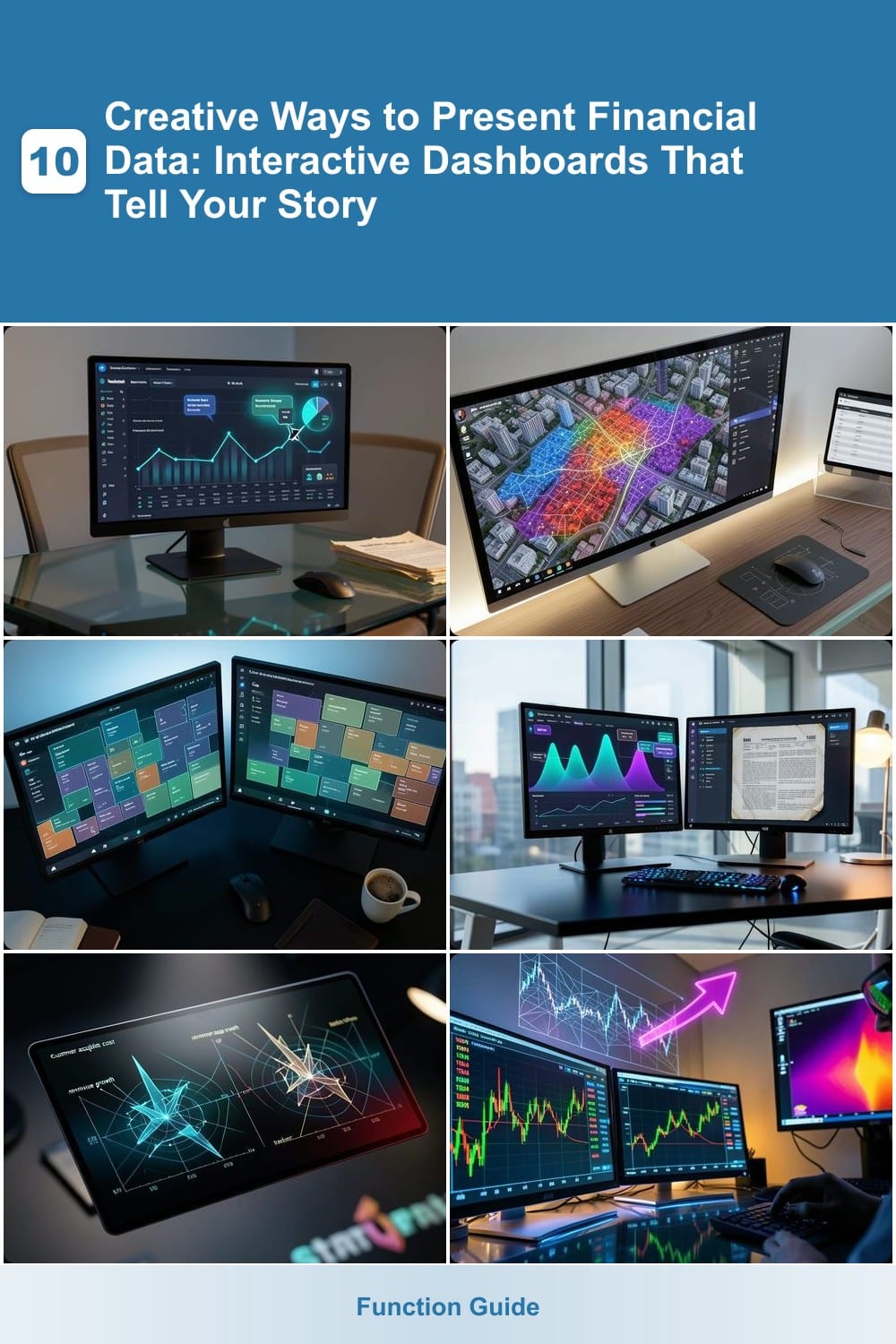
Boring spreadsheets won’t cut it anymore. These 10 creative financial data visualization techniques transform complex numbers into compelling stories, helping stakeholders grasp insights at a glance—without sacrificing accuracy or professionalism.
Animated Storytelling with Tableau
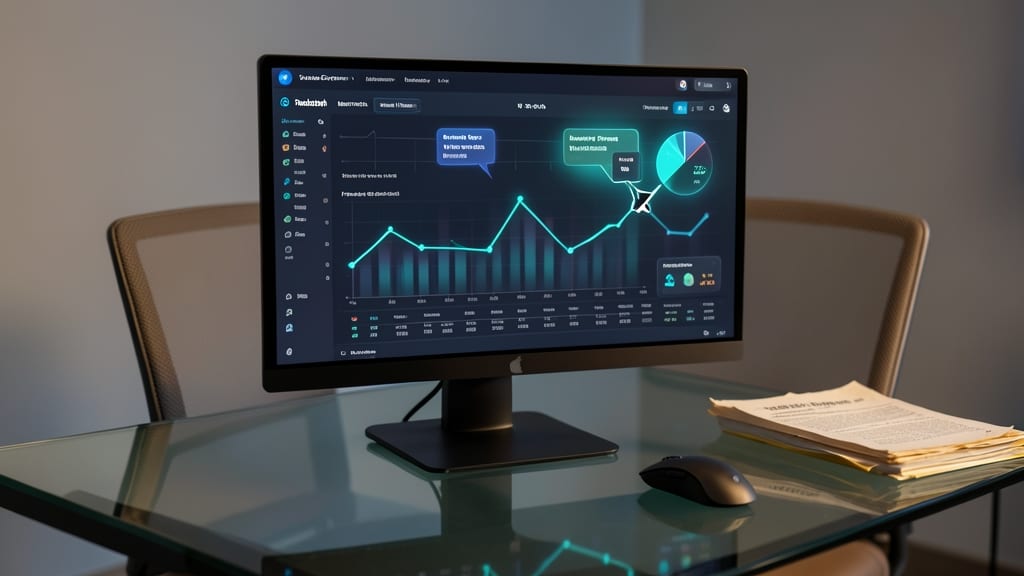
Tired of dry financial reports that put audiences to sleep? Tableau’s animation tools turn static data into dynamic narratives that captivate stakeholders and clarify complex trends—no coding required.
With motion effects like transitions, tooltips, and dynamic filters, you can highlight key metrics (e.g., revenue spikes or cost reductions) with smooth animations that guide the viewer’s eye. The Tableau Storypoints feature lets you sequence dashboards like slides, while interactive controls (zooms, plays, pauses) let audiences explore data at their own pace. Even non-technical teams can create polished presentations using pre-built templates and drag-and-drop animations.
This approach shines for investor pitches, board meetings, or client reviews where engagement matters more than raw numbers. ⚡
Geospatial Heatmaps for Regional Performance

Tired of spreadsheets that bury regional insights under rows of numbers? Geospatial heatmaps turn financial data into intuitive visual stories, revealing patterns like store performance hotspots or real estate market trends at a glance.
Tools like Tableau or Power BI let you overlay revenue, foot traffic, or cost metrics onto maps, using color gradients to highlight disparities instantly. For logistics teams, this means spotting delivery delays before they escalate—while retail analysts can pinpoint underperforming locations. The best part? Zero coding required—just drag and drop your data.
Perfect for real estate investors scouting markets or retail managers optimizing store placements, these maps turn abstract data into actionable strategies. 🌟
Interactive Treemaps for Portfolio Analysis

Tired of pie charts and bar graphs that bury key insights under layers of data? Interactive treemaps turn portfolio analysis into a visual puzzle—where each block represents an asset, and size/color reveal its true impact at a glance.
Tools like Tableau or Microsoft Power BI let you drag-and-drop data to create hierarchical treemaps that collapse/expand sectors with a click. Need to compare performance across 50+ assets? A treemap shows market share by size while color-coding returns or risk levels. Drill down to see sub-portfolios, or filter by time period to spot trends—all without drowning in spreadsheets.
This is the go-to for wealth managers or CFOs juggling private equity, real estate, and public stocks. No coding required—just intuitive drag-and-drop to turn raw numbers into a battle-tested, at-a-glance overview. ✨
Dynamic Forecasting with Power BI

Tired of financial reports that only show yesterday’s numbers? Power BI’s dynamic forecasting transforms static data into actionable future projections—letting you simulate scenarios like interest rate hikes or market downturns before they happen.
With AI-driven forecasting models and What-If parameters, you can overlay historical trends with predictive curves, adjusting confidence intervals in real time. The Power BI service even integrates with Excel and cloud data warehouses, so your forecasts stay connected to live sources. For risk managers, the scenario analysis tools let you compare best-case vs. worst-case outcomes side by side.
This is the go-to for financial planners who need to communicate uncertainty visually—whether you’re pitching to investors or stress-testing budgets. ⚡
Radar Charts for Competitive Benchmarking

When your startup’s growth hinges on outmaneuvering competitors, radar charts turn abstract KPIs into a visual arms race. Unlike traditional bar graphs, they plot multiple metrics—like customer acquisition cost, revenue growth, and market share—on a single, multi-dimensional graph, revealing strengths and weaknesses at a glance.
Tools like Tableau or Google Data Studio make it easy to overlay competitors’ performance (e.g., SaaS churn rates, social media engagement, or pricing strategies) in real time. The spiderweb layout highlights where you dominate or lag, while color-coding brands adds instant clarity. For marketing teams, this means spotting gaps faster than spreadsheets ever could.
Perfect for pitch decks or internal strategy sessions, radar charts shine when you need to compare five or more metrics across three or more players. Just avoid overcrowding—stick to 3-5 key indicators to keep the visualization sharp and actionable. ✨
Real-Time Stock Market Simulations

Want to turn financial data into an adrenaline-fueled learning experience? Real-time stock market simulations bring live market feeds into interactive training environments, letting traders and educators test strategies against unpredictable volatility—without risking real capital.
Platforms like TradingView’s Paper Trading or ThinkorSwim’s Simulated Trading integrate live tick data, candlestick charts, and interactive order execution to mirror real-world conditions. You can backtest strategies against historical data or practice in real-time with delayed feeds, complete with slippage models and margin calculations to simulate trading psychology. For educators, these tools include customizable scenarios—like sudden market crashes or earnings surprises—to teach risk management.
Perfect for financial bootcamps, university courses, or self-directed traders who want to refine skills without emotional bias. The hands-on approach makes abstract concepts like volatility clustering or order book dynamics tangible. 💪
Custom Infographics with Canva Pro
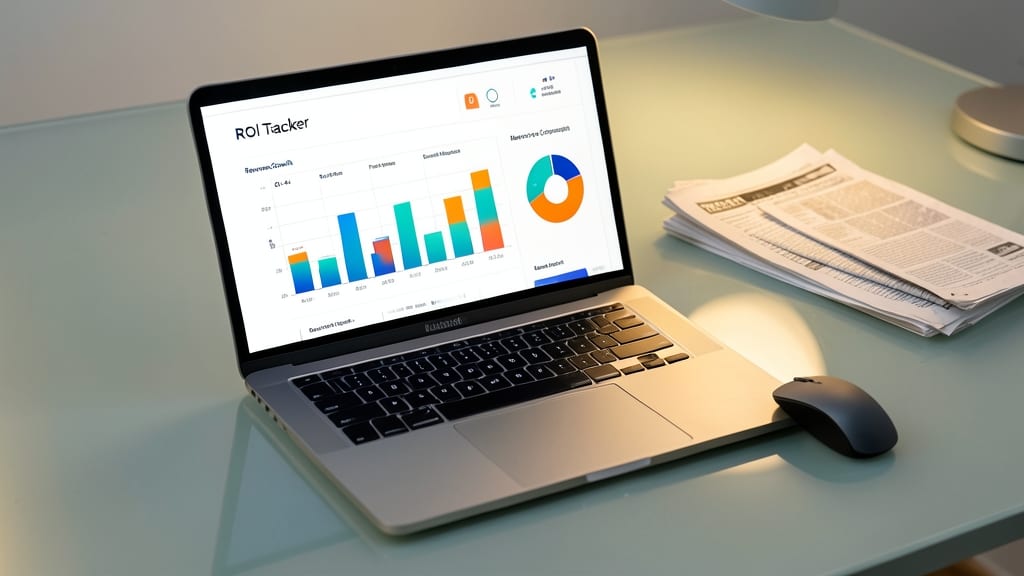
Tired of financial reports that put your audience to sleep? Canva Pro turns raw numbers into striking, shareable infographics—no design degree required. Its drag-and-drop interface and pre-built financial templates (like ROI trackers or revenue growth visuals) let you create polished visuals in minutes, not hours.
The Pro version unlocks millions of stock assets, brand color palettes, and collaboration tools for real-time team feedback. You can embed interactive elements like animated charts or clickable data points, then export as PNG, PDF, or even animated GIFs for social media. Perfect for turning quarterly reports into eye-catching one-pagers.
This is the go-to for non-technical execs or marketers who need to simplify complex data for stakeholders—without relying on IT or expensive agencies. ⚡
3D Financial Models in Excel
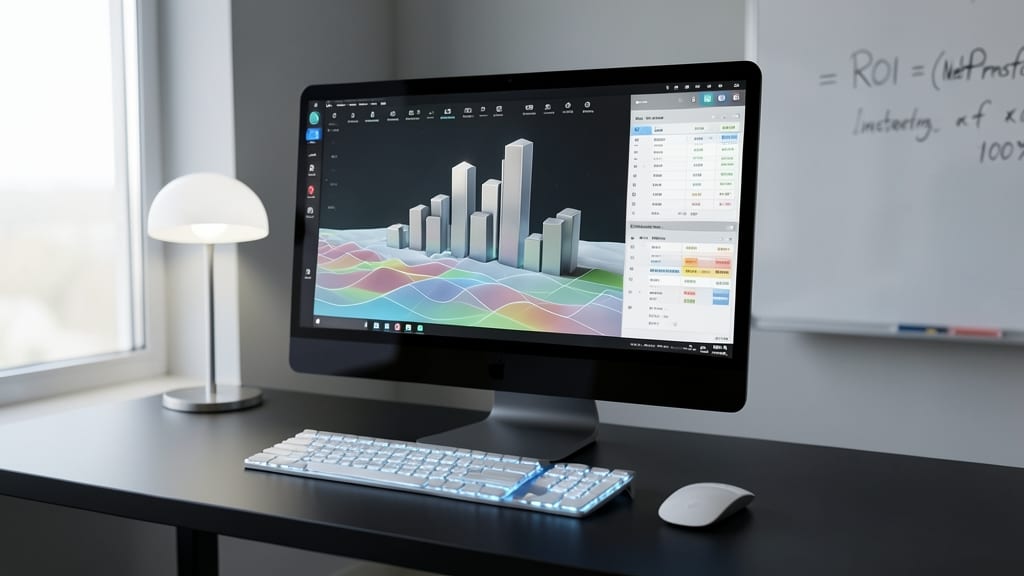
Tired of flat financial models that make stakeholders squint at dense tables? Excel’s 3D modeling tools turn static spreadsheets into dynamic, perspective-driven visuals—no coding or external software required.
With 3D bar charts, surface charts, and pivot table visualizations, you can layer financial data (like revenue vs. expenses) into a rotatable, interactive model that highlights trends at a glance. Excel’s built-in 3D Map tool even lets you plot geographic data (e.g., branch performance) with depth, while conditional formatting adds color-coded emphasis to key metrics. Best of all, these models update automatically when your underlying data changes.
Perfect for accountants or analysts who need to explain complex budgets or forecasts to non-technical teams—without losing Excel’s familiarity or security. 💻
Gamified Financial Dashboards with Python
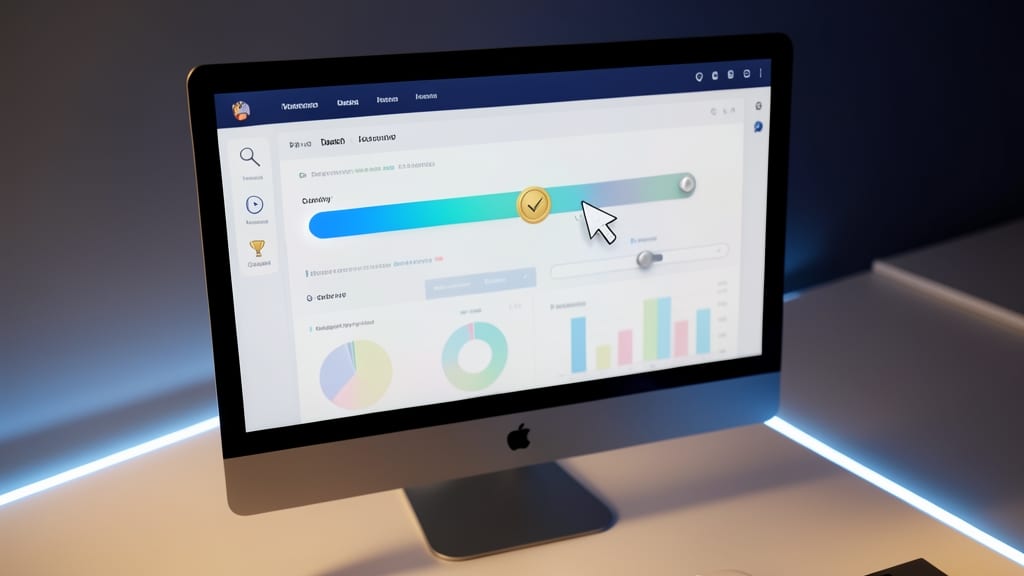
Tired of financial data feeling like homework? Python’s Dash library turns spreadsheets into interactive, game-like dashboards that make numbers fun to explore. Imagine progress bars for budget tracking, achievement badges for hitting milestones, or sliders that let users tweak assumptions—all while keeping the data-driven rigor intact.
With zero-config deployment options and integration with Plotly for stunning visuals, you can build dashboards that feel like apps. The Dash Core Components library even includes pre-built UI elements like dropdowns and modals, so you’re not starting from scratch. Plus, Python’s open-source ecosystem means you can pull in real-time data from APIs like Alpha Vantage or Yahoo Finance with just a few lines of code.
This approach shines for educators teaching financial literacy, startup teams with limited design resources, or anyone who wants to make data discussions less intimidating. 💡
Voice-Activated Financial Summaries with AI

Tired of staring at screens to catch up on financial updates? Voice-activated AI assistants like Cortana or Alexa can now deliver your financial summaries—hands-free—using natural language. This isn’t just about convenience; it’s about integrating financial data into your workflow without disrupting your focus.
With the right setup, you can ask for quarterly earnings reports, portfolio performance snapshots, or even real-time stock alerts—all while driving, walking, or multitasking. Tools like Amazon Connect or Microsoft’s Cortana Skills Kit allow developers to build custom voice interfaces that pull data from APIs like Yahoo Finance or Bloomberg. For executives, this means zero screen time while staying informed.
Perfect for busy professionals who prioritize efficiency, this method shines in meetings or commutes. Just say, "Alexa, summarize my Q2 financials," and let the AI handle the rest. ✨