
Operating System
Small businesses face cyber threats daily, yet many lack basic protections. These 10 proven cybersecurity tactics will help safeguard your data, customers, and reputation without requiring an IT degree or massive budget.
Enable Multi-Factor Authentication Everywhere

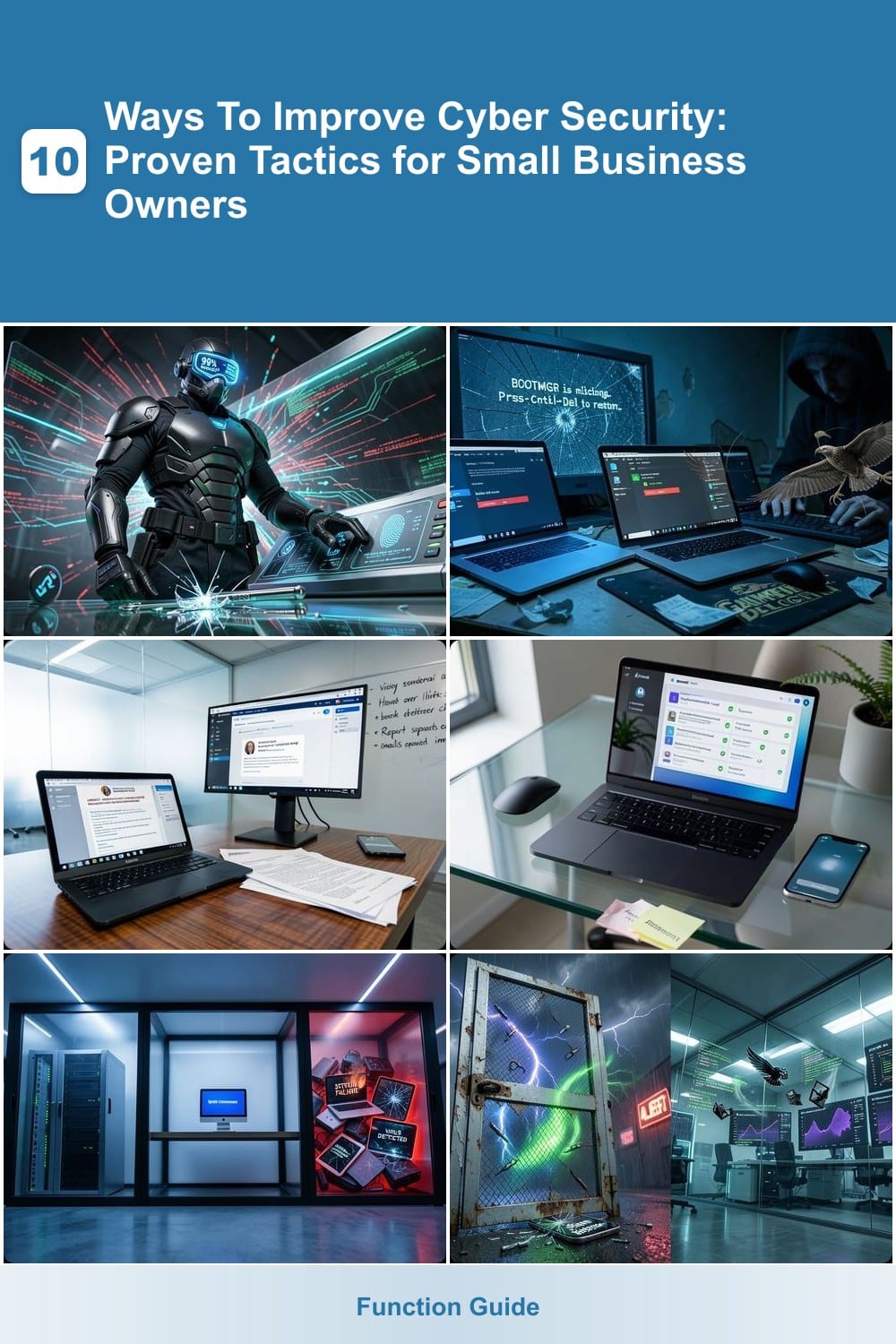
Think of multi-factor authentication (MFA) as your digital bodyguard—it stops 99% of automated account takeover attempts before they even reach your door. Most breaches start with stolen passwords, and MFA adds that second (or third) layer of verification to lock out hackers, even if they crack your credentials.
Start with your most critical accounts: email (Gmail, Outlook), cloud services (Dropbox, OneDrive), and VPNs. Services like Microsoft Authenticator, Google Authenticator, or YubiKey offer seamless setup—some even support biometric verification (fingerprint or face ID) for zero-config convenience. For extra security, enable SMS fallbacks as a last resort, but prioritize app-based codes or hardware keys.
This is the #1 security upgrade for small businesses—it’s free, takes minutes to enable, and stops credential-stuffing attacks dead in their tracks. ⚡
Regular Software Updates and Patch Management
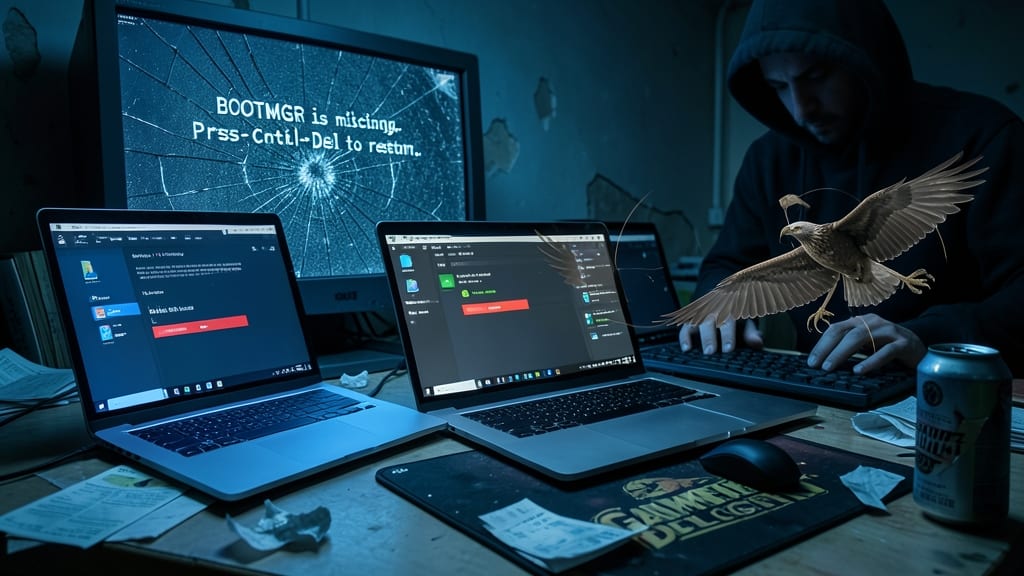
Hackers target outdated software like vultures circling weak prey—90% of exploits leverage unpatched vulnerabilities. The fix? Automating updates across Windows, macOS, and third-party apps before threats spread.
Enable Windows Update (Settings > Update & Security) to install critical patches automatically, while macOS users can set App Store updates to auto-install. Tools like Patch Management (e.g., PDQ Deploy or SolarWinds) streamline third-party app updates, ensuring browsers, plugins, and firmware stay current. Even a 5-minute daily check can block ransomware or zero-day attacks.
Small businesses and remote teams benefit most—automation reduces human error while keeping systems compliant. Start with OS-level updates, then expand to critical apps like Adobe or Java. ⚡
Employee Cybersecurity Training Simulations

Most employees can’t spot a phishing scam—until it’s too late. Quarterly cybersecurity training simulations expose real vulnerabilities by mimicking real-world attacks, from fake invoices to urgent "CEO" messages, and show staff exactly what to watch for.
Tools like KnowBe4 or PhishMe send customized, realistic phishing tests that track who clicks and report results to management. These platforms integrate with your email system, so tests feel indistinguishable from real messages. The best programs even include automated debriefs and retraining for those who fall for scams, turning mistakes into learning moments.
This tactic is ideal for small businesses where one wrong click can cripple operations—especially those handling customer data or payments. Start with monthly tests and adjust based on common mistakes. 💡
Secure Password Policies with a Password Manager
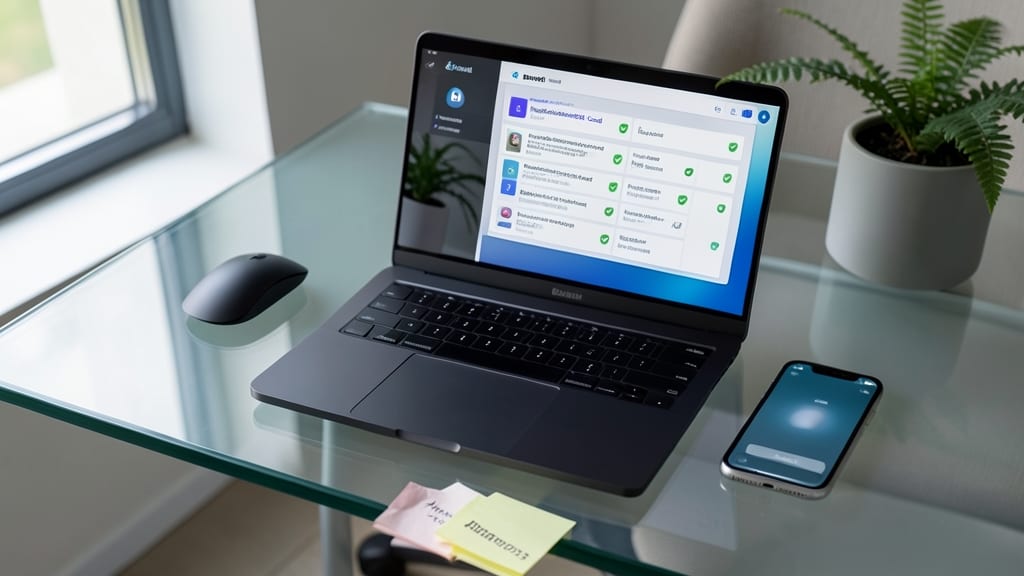
Tired of resetting passwords every few months? A password manager like Bitwarden or 1Password replaces weak, reused passwords with 12+ character phrases—automatically generated and stored in an encrypted vault. This single step eliminates the #1 cause of data breaches: compromised credentials.
These tools sync across devices, auto-fill logins securely, and even audit your existing passwords for risks. Bitwarden offers a free tier with open-source security, while 1Password includes advanced features like travel mode (clearing local data when crossing borders). Both use AES-256 encryption, so your master password is the only key you need.
Small business owners and remote teams benefit most—especially when managing shared accounts or compliance-sensitive logins. Start with one manager and migrate all passwords in under an hour. ✨
Network Segmentation for Critical Data

Imagine a cyberattack hitting your business—now picture it failing to spread beyond one isolated system. That’s the power of network segmentation, where you divide your network into secure zones to limit damage if (or when) a breach occurs.
This strategy creates logical barriers between critical systems like financial databases or customer records and everyday devices. For example, a compromised employee laptop on the guest network won’t access your PCI-compliant payment system. Tools like VLANs (Virtual LANs) or firewall rules make this easy to implement, even for non-experts. Many routers and cloud providers (AWS, Azure) offer zero-config segmentation with built-in templates for common business needs.
Perfect for small businesses handling sensitive data—like healthcare providers, e-commerce stores, or accounting firms—this tactic aligns with HIPAA, GDPR, and PCI DSS requirements while keeping costs low. Start by isolating your financial and HR systems first. ✨
Endpoint Detection and Response Tools

Traditional antivirus tools are like using a screen door to keep out a hurricane—just not enough for today’s cyber threats. Endpoint Detection and Response (EDR) tools like CrowdStrike or SentinelOne go beyond scanning files to actively hunt for threats in real time, using AI-driven behavioral analysis to stop attacks before they execute.
These tools monitor every endpoint—laptops, servers, and mobile devices—with sub-second threat detection and automated containment. For example, CrowdStrike’s Falcon platform blocks 99.9% of zero-day exploits by analyzing suspicious behavior, not just signatures. SentinelOne takes it further with self-healing endpoints, automatically reversing malware changes to your system. Both integrate with existing security stacks and offer cloud-based management for easy oversight.
Small businesses handling sensitive data (like healthcare records or payment info) or those in high-risk industries (finance, legal) should prioritize EDR—it’s the difference between a minor breach and a full-scale disaster. 💻
Regular Data Backups with Offsite Storage
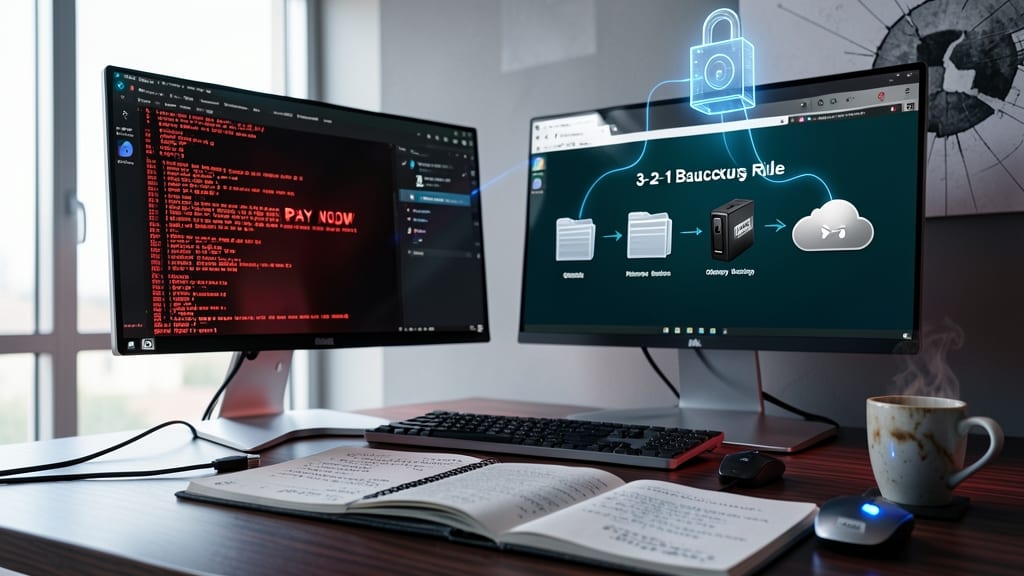
Ransomware attacks cripple businesses daily—but you can outsmart them with the 3-2-1 backup rule. This simple framework ensures you’ll always recover critical files, even if your primary systems are locked or corrupted.
Create three copies of your data (original + two backups), store them on two different media types (e.g., cloud + external drive), and keep one copy offsite (like a secure cloud service or physical storage). Tools like Backblaze (automated cloud backups) or Veeam (enterprise-grade) make this effortless. The real kicker? Test restoring files annually—many businesses fail because they assume backups work until they don’t.
This isn’t just for IT teams: small business owners, freelancers, and even home users benefit when customer data, financial records, or creative projects are protected. ⚡
Encrypted Communication for Sensitive Data

Sending contracts or client data via unencrypted email is like sending a postcard through the mail—anyone can read it. Tools like Signal and ProtonMail encrypt messages end-to-end, ensuring only you and the recipient can access sensitive information, including HIPAA-protected data or personally identifiable information (PII).
Signal offers zero-configuration encryption for texts and calls, while ProtonMail provides a secure email platform with self-destructing messages and optional password protection. Both are free for basic use, with paid plans adding features like larger storage or custom domains—critical for compliance-heavy industries like healthcare or finance.
Small businesses handling client contracts, medical records, or financial details will benefit most from this switch—it’s a simple upgrade that eliminates one of the most common attack vectors. ✨
Vendor Risk Assessments Before Partnerships

Think your business is secure? The SolarWinds breach proved that third-party vendors can be the weakest link—often with more access than your own team. Before signing contracts, you need to assess their security posture just as rigorously as your own.
Start with a vendor risk assessment questionnaire covering compliance (ISO 27001, SOC 2), incident response plans, and third-party audits. Tools like SecurityScorecard or BitSight automate this process by scoring vendors on 100+ security criteria, including patch management and phishing resistance. Even simple checks—like verifying if they use multi-factor authentication for admin access—can reveal red flags.
Small businesses and startups should prioritize this step before partnering with cloud providers, payment processors, or IT support firms. A single breach at a vendor can cripple your operations—don’t wait for a breach to discover their gaps. ✨
Incident Response Plan with Clear Roles

When a breach happens, every minute counts—yet many businesses scramble without a plan. A documented incident response plan with clear roles (like a containment lead and communication officer) ensures your team acts fast, minimizing damage and downtime.
Start with a three-phase structure: contain (isolate affected systems), notify (internal teams + regulators if required), and recover (restore from backups, monitor for reinfection). Assign a team lead to coordinate and test the plan annually—tabletop exercises reveal gaps before they become crises. Tools like NIST’s IR playbook or ISO 27035 provide templates to get started.
This isn’t just for enterprises—small businesses with customer data (even local shops) need this. A well-documented plan turns panic into action. ✨